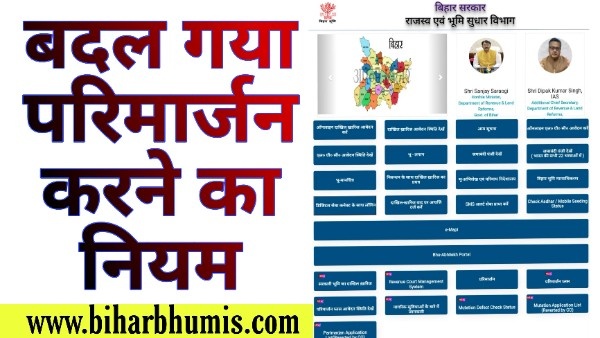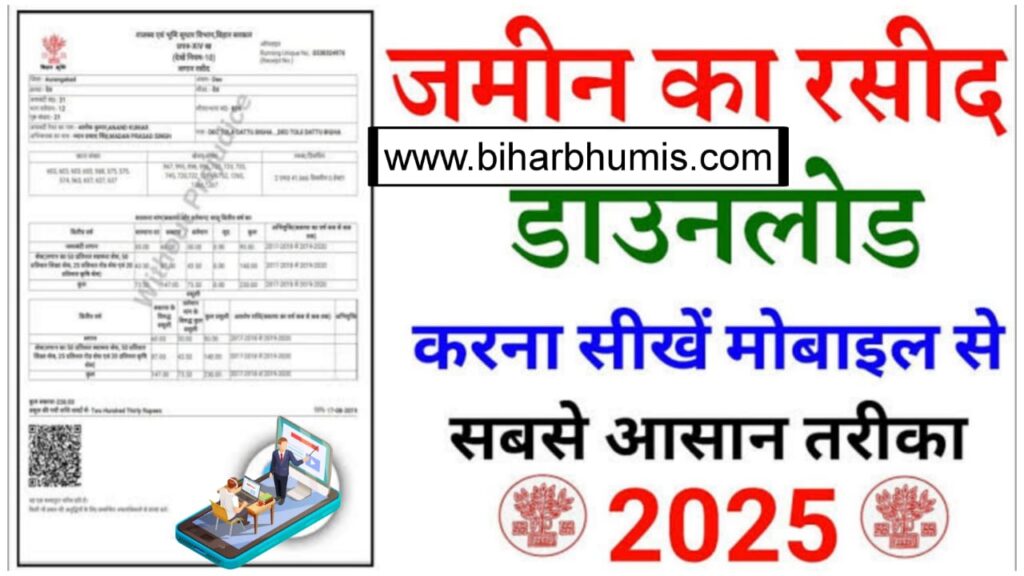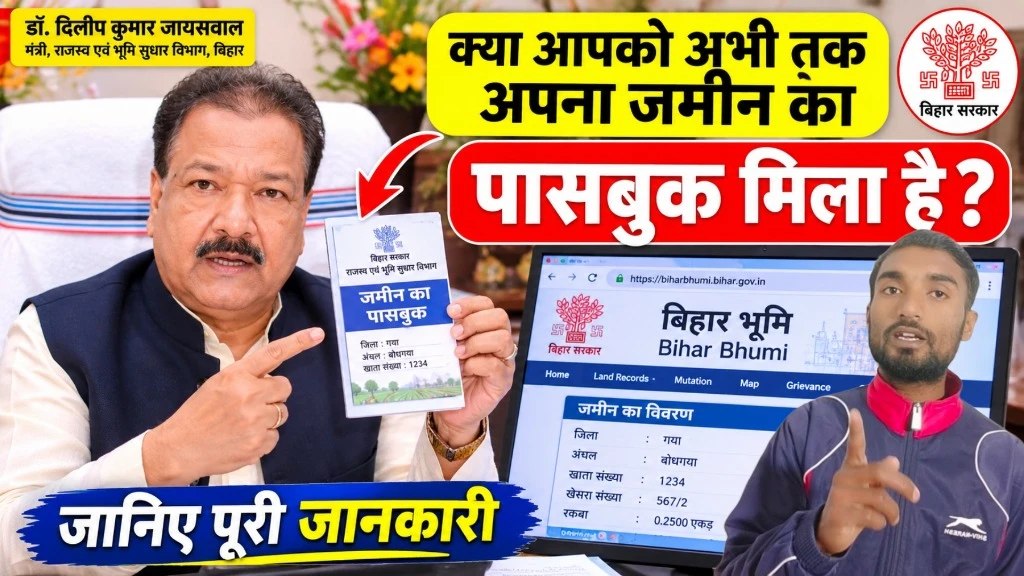
Are you looking for the official Bihar land passbook download process? Today, landowners in Bihar can view and print their land records online without visiting government offices repeatedly. Moreover, under the Bihar Special Land Survey, the Directorate of Land Records and Survey (DLRS) lists a dedicated option to print the Citizen Rights Record Card (Property Card).
As a result, thousands of landowners want to know how to apply passbook on Bihar land and print their digital card easily. In this complete guide, we explain the official portals, required documents, latest news updates, and step-by-step instructions. Additionally, you will learn the exact difference between a Jamabandi print and a QR-coded Property Card.
| Key Particulars | Official Details |
|---|---|
| Service Name | Bihar Land Passbook / Nagrik Adhikar Abhilekh Card |
| Department | Department of Revenue and Land Reforms, Bihar |
| Official Survey Portal | dlrs.bihar.gov.in |
| Official Jamabandi Portal | biharbhumi.bihar.gov.in |
| Card Features (As per Report) | Owner Details, Khata-Khesra, QR Code & Geo-referenced Map |
Latest News Report: Property Card to Feature QR Code & Map
Before you start the Bihar land passbook download process, you should check the latest official update from the Revenue and Land Reforms Department. According to a recent report published in Hindustan newspaper, the department is speeding up land survey work to minimize property disputes across the state.
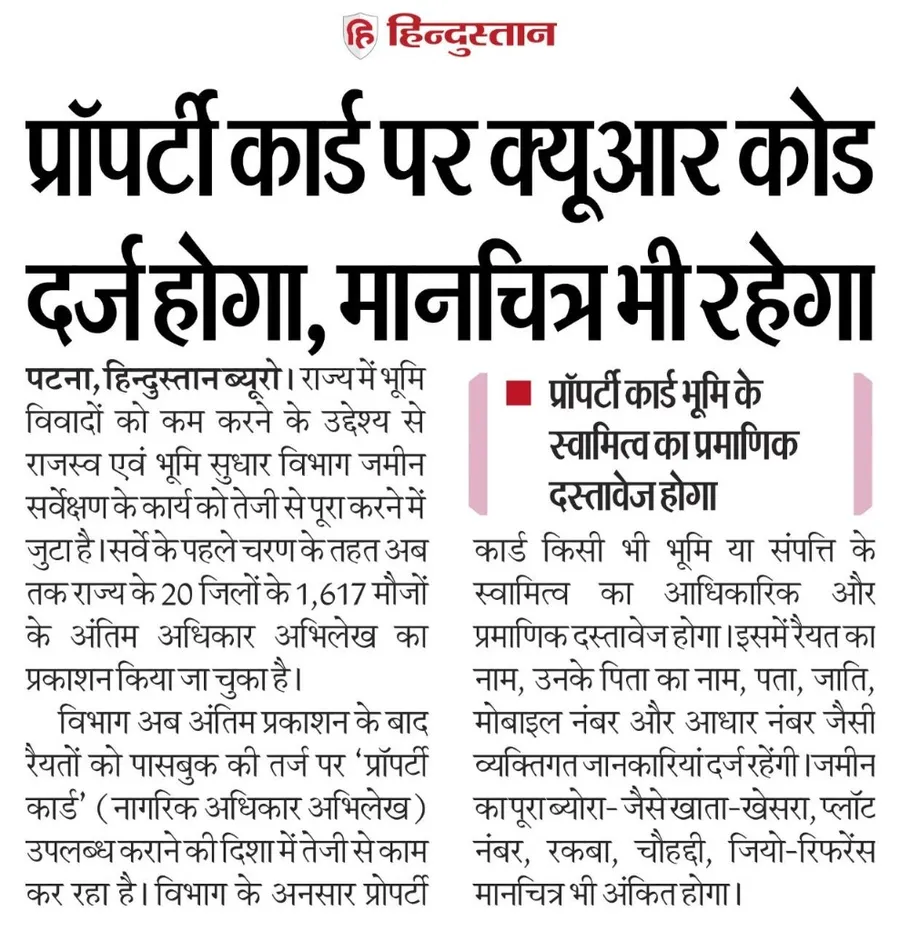
Specifically, the department has already published the final Records of Rights (Antim Adhikar Abhilekh) for 1,617 mauzas across 20 districts in the first survey phase. After final publication, officials are preparing to issue passbook-style Property Cards to landowners. Therefore, this card will serve as an authentic proof of land ownership.
- Personal Details: The card displays the landowner’s name, father’s name, address, caste, mobile number, and Aadhaar details.
- Land Information: Furthermore, it prints Khata number, Khesra (plot) number, total area (Rakba), and boundaries (Chauhaddi).
- Digital Verification: Most importantly, it includes a QR code and a geo-referenced map of the plot for quick verification.
How to Apply Passbook on Bihar Land? (Eligibility & Basics)
Many citizens ask how to apply passbook on Bihar land online. First, you must understand that Bihar uses two separate portals for different land services. On the Bihar Bhumi portal, you can check online Jamabandi, Mutation, and digitally signed land records.
On the other hand, the DLRS portal hosts the special survey services, including the option to print the Citizen Rights Record Card. Consequently, if the government has published the final Record of Rights for your village (Mauza), you can check and print your card online.
Documents and Details Needed Before Checking Records
To avoid errors during your Bihar land passbook download attempt, keep these essential details ready beforehand:
- Owner and Guardian Name: Correct name of the landowner (Raiyat) and father or husband.
- Location Details: Exact District, Circle (Anchal), and Revenue Village (Mauza) name.
- Plot Numbers: Your Khata number, Khesra number, and Jamabandi number (if available).
- Supporting Papers: Old land deeds or old Kewala records to match your published details accurately.
Bihar Land Passbook Download: Step-by-Step Guide via DLRS Portal
Follow these simple steps to complete your Bihar land passbook download on the Directorate of Land Records and Survey (DLRS) website:
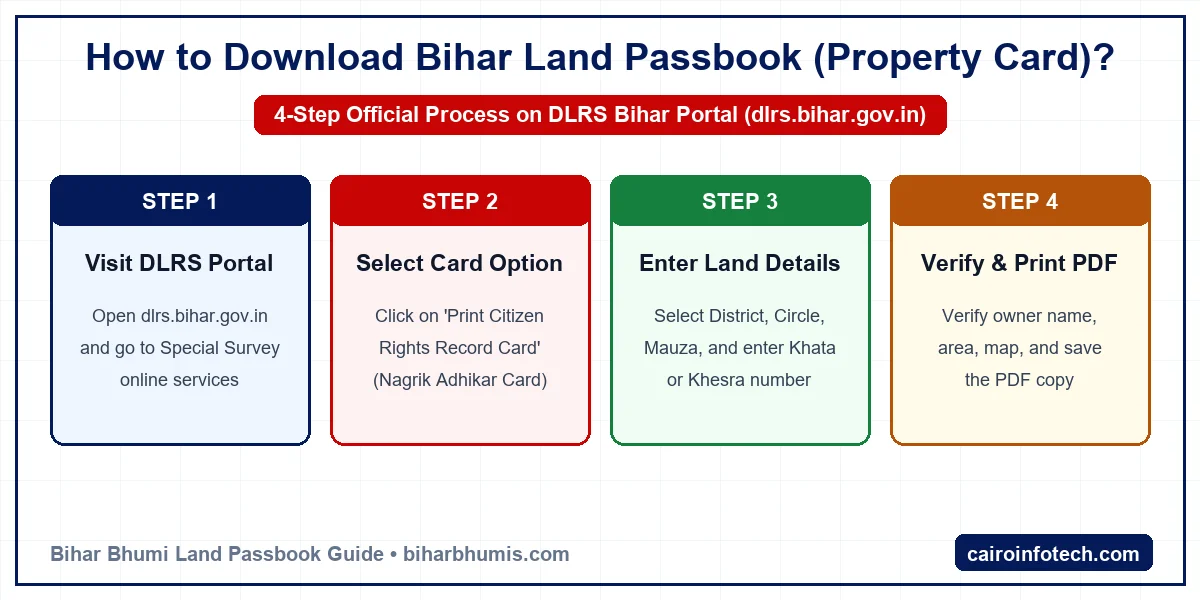
Step 1: Open the Official DLRS Bihar Website
First, open your mobile or desktop browser and visit the official DLRS Bihar portal. Next, locate the section labeled Bihar Special Survey Related Services on the homepage.
Step 2: Choose Print Citizen Rights Record Card
Look for the option to print the Citizen Rights Record Card (Nagrik Adhikar Abhilekh Card) inside the survey services list. However, remember that you can print the card only if your Mauza’s final record is published online.
Step 3: Select District, Circle, and Mauza
Enter your District, Anchal, and Mauza carefully from the dropdown menus. Then, input your Khata number, Khesra number, or Raiyat name accurately to search your property record.
Step 4: Cross-Check Published Land Details
Once the portal displays your record, verify the owner name, Khata, Khesra, area, and land category against your old papers. If you find any spelling or area mistake in your Jamabandi, you can use Bihar Parimarjan Plus to submit a correction request.
Step 5: Print or Save as PDF
Finally, click the Print button if your card is ready for download. On a computer or smartphone, you can save this page directly as a PDF copy. That completes your online Bihar land passbook download process.
Alternative Option: Check Jamabandi on Bihar Bhumi Portal
What should you do if your village survey is still ongoing? In that case, you can check and download your existing Jamabandi record from the official Bihar Bhumi website.
- First, open the official Bihar Bhumi portal using the button below.
- Click on Jamabandi Panji Dekhein or Digitally Signed Land Records.
- Select your District, Circle, Halka, and Mauza name.
- Search using your Raiyat name, Khata number, or Plot number.
- Verify the details and print or save the Jamabandi slip as a PDF.
Important Note: An online Jamabandi print and a Special Survey Citizen Rights Record Card are two distinct documents. Furthermore, you can also check your Bihar land map online or pay your land tax receipt on the Bihar Bhumi website.
Comparison: Bihar Land Passbook vs Other Land Records
Landowners often confuse Jamabandi, LPC, and the Property Card. Therefore, review this quick table to understand each document clearly:
| Document / Service | What Information Does It Provide? |
|---|---|
| Jamabandi Register | Current revenue records showing landowner and tax details |
| Digitally Signed Record | Verified digital copy of published revenue records |
| Citizen Rights Card (Passbook) | Special survey Property Card with QR code and geo-map |
| Bhu-Naksha (Land Map) | Geographical plot boundary and Khesra sheet |
| LPC (Possession Certificate) | Official proof of current land possession for loans |
Frequently Asked Questions (FAQ) on Bihar Land Passbook Download
Q1. How can I complete my Bihar land passbook download online?
Answer: Visit the official DLRS Bihar website (dlrs.bihar.gov.in) and look for the Citizen Rights Record Card print option under Special Survey services. If your village’s final survey is published, you can download the PDF easily.
Q2. How to apply passbook on Bihar land if my village survey is incomplete?
Answer: If your village’s final Record of Rights is not yet published, you cannot print the Property Card yet. Instead, check your current Jamabandi status on biharbhumi.bihar.gov.in or contact your local survey camp.
Q3. Will the Bihar Property Card include a QR code and map?
Answer: Yes, according to Hindustan news reports covering the Revenue Department’s updates, the Property Card will contain a QR code and a geo-referenced plot map along with owner details.
Q4. Is there any fee for Bihar land passbook download?
Answer: Fees and rules depend on the specific government service listed on the official portal. Always verify official charges directly on DLRS or Bihar Bhumi before paying any third party.
Q5. What should I do if my passbook download fails?
Answer: First, verify whether your Mauza’s final Record of Rights is live on the DLRS portal. Next, check your spelling and Khata-Khesra details on Bihar Bhumi, or visit your Circle Office (Anchal) for help.
Conclusion
Digitizing land records and introducing QR-coded Property Cards is a major step toward reducing property disputes in Bihar. Whenever you search for Bihar land passbook download or how to apply passbook on Bihar land, rely strictly on the official DLRS and Bihar Bhumi portals. Regularly verify your Khata, Khesra, and land area online so you can fix any discrepancies early without legal trouble.
Related Posts
 Bihar Parimarjan 2025 (Bihar Bhumi jankari) Land Record Bihar खाता, खेसरा, भू नक्शा @parimarjan.bihar.gov.in
 Jamin Ka Rasid Kaise Nikale : Online Lagan Bihar ऑनलाइन भुगतान करे 2025 @bhulagan.bihar.gov.in
 Kewala kaise nikale bihar pdf download | Bihar Bhumi Jankari | OLD Property Document
 parimarjan reject hone par kya kare | @parimarjanplus.bihar.gov.in/ParimarjanNew
 Sahara India Refund 2025 Apply Online | Sahara Refund Status Check | Latest News Today | Paisa Kab Milega
 Parimarjan Plus 2025 Bihar: Reject, Revert, Resubmit, Registration aur Receipt Nikale ki Full Guide